Beta Testing
See below for how to download and test our app.
Already have Apple's TestFlight app?
Get FyndnSeek now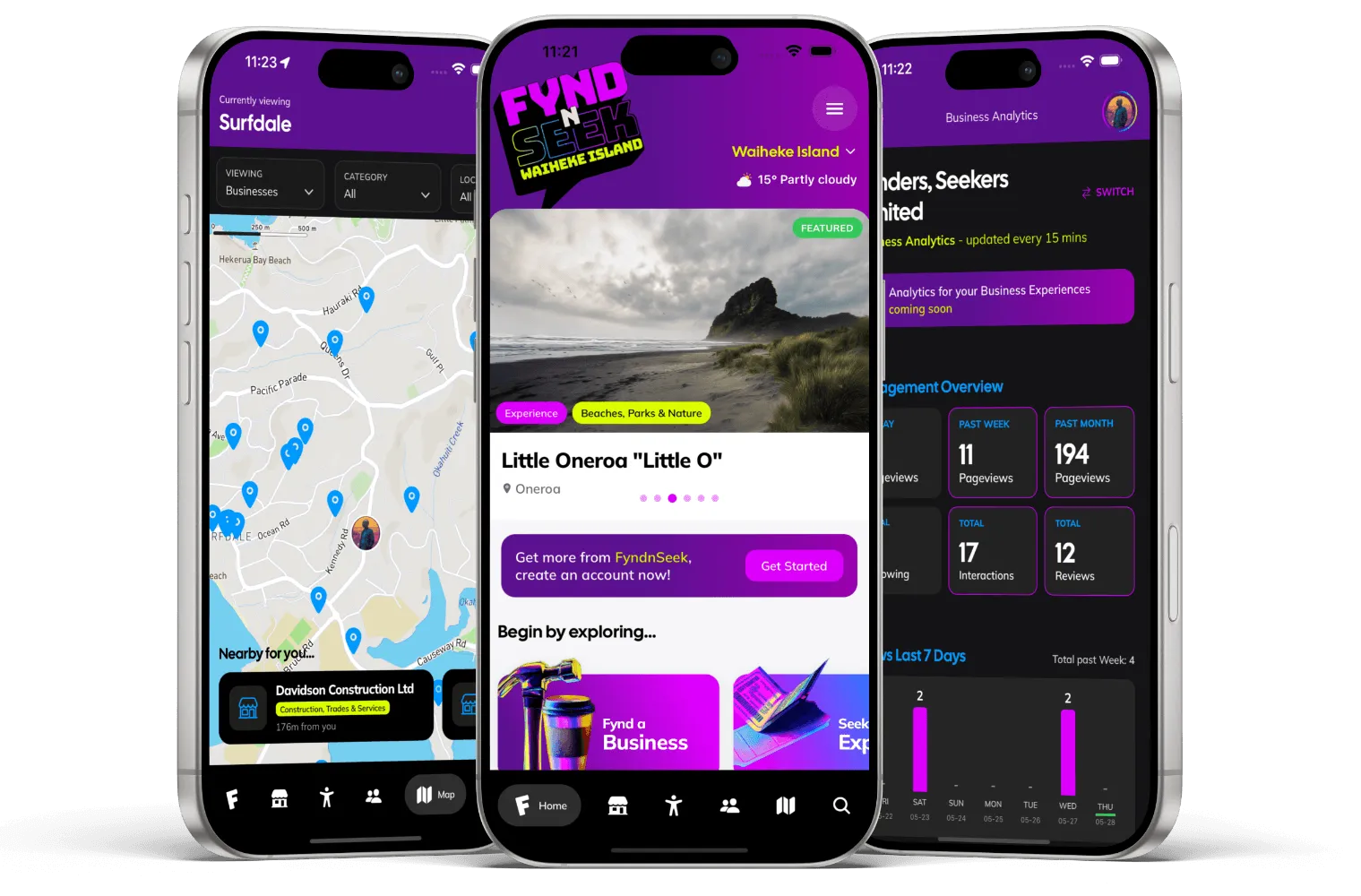
Three steps to get started.
- STEP 1

Download TestFlight
Snap the QR code above or jump on the Apple App Store on your phone, then search for and download "TestFlight", Apple's beta testing app. This is required for all iOS app beta tests.
Get TestFlight - STEP 2
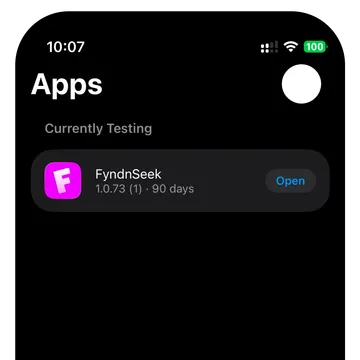
Sign in to TestFlight
Sign in to the TestFlight app with your iCloud account. Ignore the request to enter a redeem code, instead, with your phone snap a photo of the QR in Step 3 OR on the same phone, come back to this Beta page and tap the "Get FyndnSeek now" button
- STEP 3

Download FyndnSeek
Snap the QR code above to open the FyndnSeek Beta in TestFlight, and start enjoying our brand new app! Feel free to let us know if you encounter any issues, or even if you have suggestions.
Open in TestFlight
Android Beta coming soon!
Got a question?
At FyndnSeek we're excited to connect with our members. Visit our support page or get in contact today...